n8n vs Custom Code: When Workflow Automation Stops Scaling
On this page
n8n vs custom code: where n8n limits bite and when to move a workflow into code, with current n8n plan prices and a decision table.
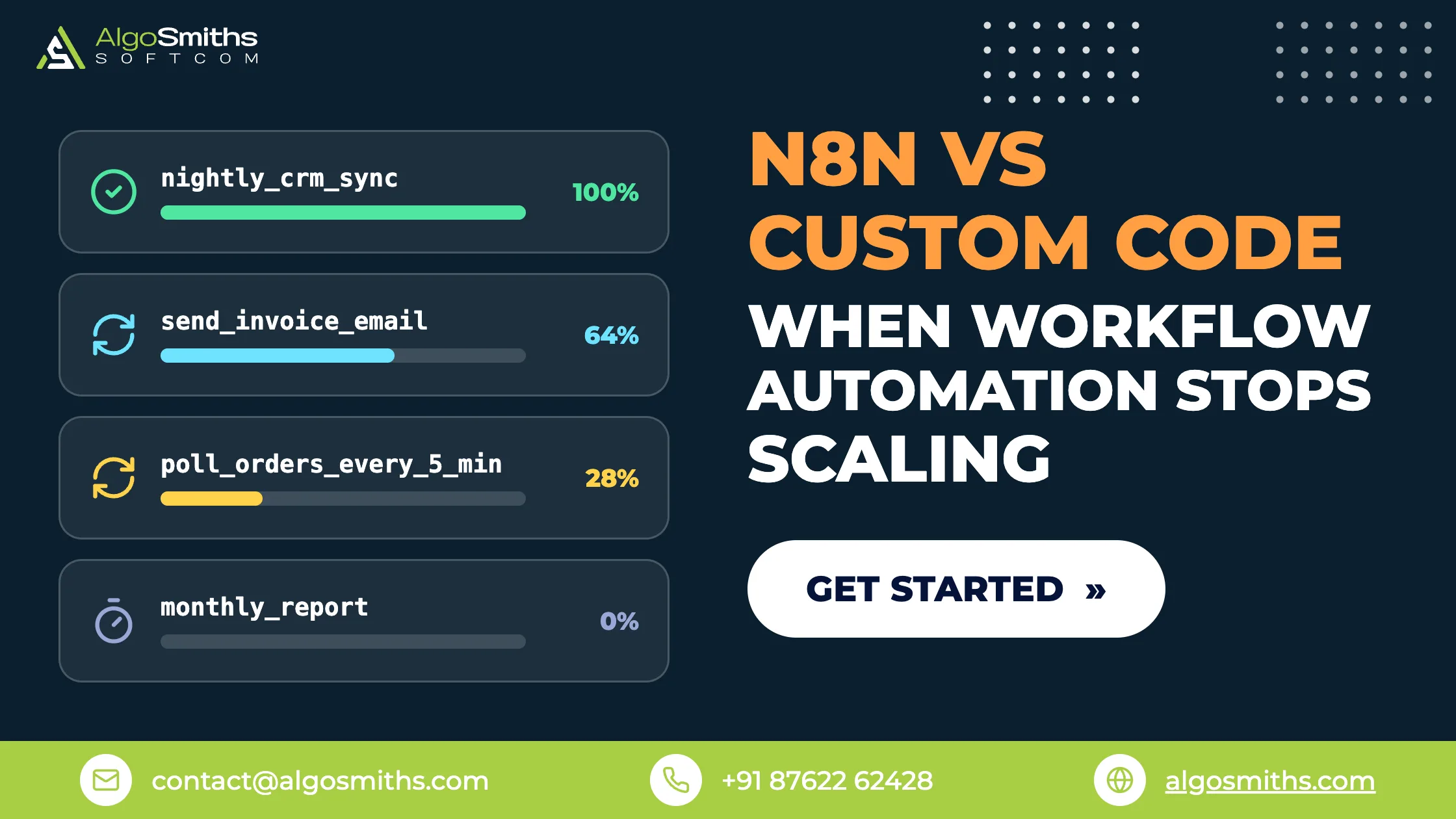
Keep an n8n automation in n8n while it moves data between tools and a failure costs you an annoyed teammate. Move it into custom code when it belongs to your product or when customers see its latency, and plan that move once n8n's limits on executions, concurrency, run time and retention start to shape the design. This guide is for founders and operations leads who run n8n and want to know where that line sits. It follows n8n's pricing page and documentation, read on 20 November 2026, and it names the point where n8n vs custom code becomes a real decision.
Key takeaways
- n8n counts one execution per workflow run, regardless of the steps in the run, so a trigger that fires every few minutes burns through a plan.
- n8n Cloud caps a single run at 5 minutes on Starter and 40 minutes on Pro, and it keeps execution logs for 7 or 30 days.
- Scaling a self-hosted instance needs queue mode, which adds a main instance, Redis, Postgres and workers to operate.
- Keep n8n as the trigger and move one risky step at a time behind an API. A full rewrite is a poor first move.
What does n8n do well?
n8n connects tools with little setup. A workflow starts from a webhook or a schedule and passes data through nodes to another tool. A non-engineer can read the canvas and fix a broken mapping the same afternoon, and that speed is the reason teams adopt it.
That strength fits glue work: a new lead goes to the CRM and a Slack channel, and a nightly sync copies rows between two systems. These jobs have forgiving failure modes. A missed run means someone repeats the step by hand, and nobody loses money.
What does n8n cost?
n8n prices by workflow executions. The pricing page says that an execution is a single run of your entire workflow, and that the number of steps or the amount of data does not change the count. The table shows the plans as listed on 20 November 2026.
| Plan | Price, billed annually | Executions a month | Concurrent executions | Longest single run | Hosting |
|---|---|---|---|---|---|
| Starter | €20 a month | 2,500 | 5 | 5 minutes | Hosted by n8n |
| Pro | €50 a month | 10,000 | Up to 50 | 40 minutes | Hosted by n8n |
| Business | €667 a month | 40,000 | Not listed | Not listed | Self-hosted |
| Enterprise | Contact sales | Custom | 200 or more | 40 minutes | Hosted or self-hosted |
The Community Edition is a standard self-hosted version that n8n publishes on GitHub. Starter and Pro list capped overage fees, and Enterprise lists custom ones.
How fast do executions add up?
A schedule that polls a system every 5 minutes runs 288 times a day, which is 8,640 executions in a 30-day month. That count exceeds Starter's 2,500 and uses most of Pro's 10,000 before any other workflow runs. A webhook workflow that fires once per order uses 3,000 executions for 3,000 orders. A polling schedule spends an execution on every check, so prefer a webhook trigger wherever the source system offers one. Our guide to webhooks for startups explains the pattern.
Where do n8n's limits start to matter?
Limits matter once a workflow carries business risk, and five of them come up in production.
Run time and concurrency
On n8n Cloud, a run stops after 5 minutes on Starter and 40 minutes on Pro and Enterprise, and each plan allows a fixed number of runs at once. A report that takes 20 minutes fails on Starter. Self-hosted instances set their own limit through the EXECUTIONS_TIMEOUT variable, and n8n's documentation says a timeout in the main process takes effect after the current node finishes.
Scaling a self-hosted instance
One n8n instance runs workflows itself. To scale, n8n recommends queue mode: a main instance receives triggers and webhooks and hands each execution to Redis, where workers pick it up. The documentation says that running queue mode on SQLite is not recommended, so Postgres and Redis both need to be running. Every worker needs the main instance's encryption key, and n8n recommends a worker concurrency of 5 or higher. You now operate a main instance, Redis, Postgres and several workers. A custom job system carries its own operating cost, and our guide to background jobs and task queues covers what that involves.
Execution history
n8n Cloud keeps execution logs for 7 days on Starter and 30 days on Pro, and it saves up to 2,500 or 25,000 executions on those plans. A self-hosted instance prunes by default, according to the execution data documentation: it removes finished executions older than 336 hours (14 days) and trims the total above 10,000. If you need to prove what a workflow did three months ago, write that record to your own database.
Version control and environments
n8n's source control and environments feature, which links an instance to Git branches, is available on the Business and Enterprise plans. Starter and Pro teams do not get Git-linked environments. Code in your own repository gives you a pull request and a rollback on any plan.
Retries and side effects
n8n lets you set an error workflow that starts from an Error Trigger node, and its Retry On Fail node setting reruns a failed node. A retry repeats the side effect when the first attempt reached the other system but the reply got lost. A payment or an email then goes out twice. Making a step safe to repeat takes an idempotency key, and our guide to Stripe webhooks in production shows how that works in code.
Does the license allow your use?
Check the license before you build a product on n8n. The Community Edition falls under the Sustainable Use License, which the license file on GitHub states in plain terms: you may use or modify the software for your own internal business purposes or for non-commercial or personal use, and you may share it with others free of charge for non-commercial purposes. Running n8n to automate your own company's work fits the first clause. Putting n8n in front of your customers, or reselling workflows built on it, deserves a question to a lawyer or to n8n before you commit. This guide does not give legal advice.
How do you decide between n8n and custom code?
Ask who owns the workflow, what a failure costs, who sees the result and how volume grows. The table turns those questions into a first answer.
| Question | Keep it in n8n | Move it to code |
|---|---|---|
| Who maintains it? | Operations or a founder | Engineers who review changes |
| What does a failure cost? | A repeated manual step | Lost revenue or duplicate charges |
| Who sees the result? | Your team | Your customers, with a response-time expectation |
| How does volume grow? | Steady, within the plan | Spiky or tied to user growth |
| Does it need tests? | A manual run proves it | Automated tests and a staging copy |
| Does it need an audit trail? | A week of logs is enough | Months of records in your own database |
One "move it to code" answer on a low-risk workflow can wait. Two or more on the same workflow is the signal to plan the move.
How do you move a workflow into code without a rewrite?
Move one step at a time and keep n8n as the trigger. An HTTP Request node calls your own endpoint, and your service does the risky work and returns the result. The team keeps the canvas for the parts it likes, and the risky step gains tests and version control.
- List your active workflows with their monthly execution counts and the number of failures in the last month.
- Rank them by what a failure costs, and start with the workflow where the cost is highest.
- Write the risky step as an API endpoint with an idempotency key and a test for the failure case.
- Point the n8n node at the endpoint and run both paths side by side for a week, comparing the results.
- Remove the old node, then add alerts to the new endpoint so that a failure reaches a person.
Our guide to observability for startups covers the logs and alerts that step needs.
Frequently asked questions
Is n8n free?
The Community Edition is free to download and self-host under its license, and you pay for the server and the time to run it. The hosted plans start at €20 a month billed annually for 2,500 executions, according to the pricing page.
Can n8n run production workloads?
Yes, with the right setup. Queue mode handles higher volume by adding workers behind Redis and Postgres, and error workflows alert you on failures. The work shifts to operating that stack and to making each step safe to repeat.
How many executions will I use?
Count runs, because n8n bills one execution per run. A webhook workflow uses one execution per event. A schedule that runs every 5 minutes uses 8,640 in a 30-day month.
Can I use n8n inside a product I sell?
The license text limits use to your own internal business purposes or non-commercial use. A product that exposes n8n to customers needs a legal review or a conversation with n8n first.
When should an automation become a background job?
Move it when it must retry without repeating side effects, needs runs longer than your plan allows, must scale with your users or needs automated tests. Those are the properties a job queue in your own code provides.
Summary
n8n suits internal glue work, and custom code suits workflows that carry revenue or face customers. Count your executions and read the limits that apply to your plan, then move the riskiest step first behind an API. If you want help deciding which workflows to keep, our chatbots and workflow automation service covers automation that runs in production, from approval flows to webhook integrations.
Topic: Backend, data & architecture