WebSockets vs SSE vs Polling: Realtime Updates for SaaS
On this page
WebSockets vs SSE vs polling, compared on cost, hosting and effort, so you can add live updates to your SaaS without over-building the backend.
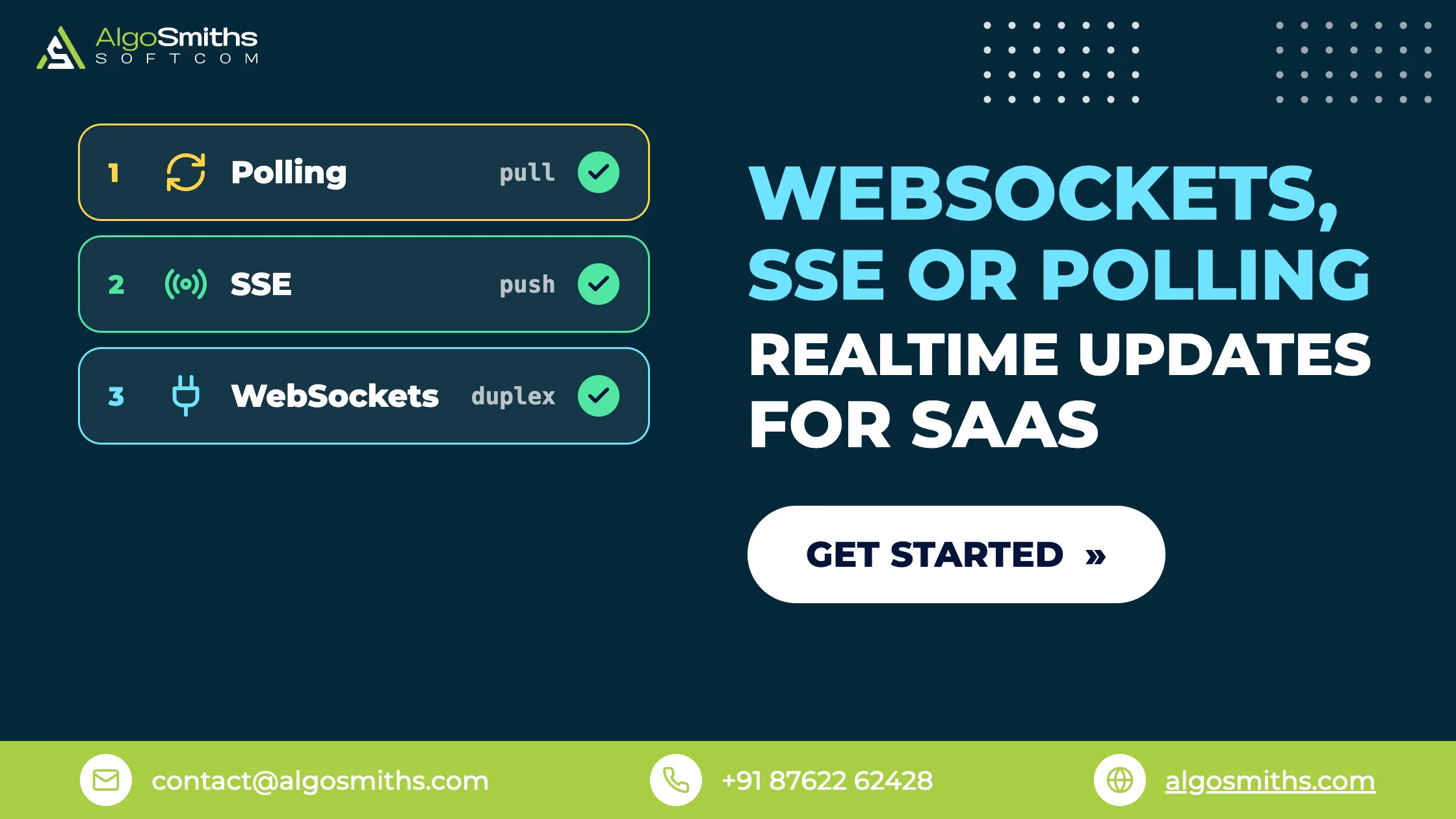
Most products that feel live do not need WebSockets. Choosing between WebSockets vs SSE vs polling comes down to two things: which direction the data flows, and how stale it is allowed to get. Poll for anything that changes every few seconds or slower, stream with server-sent events when only the server has news, and open a WebSocket when the browser has to push a steady stream back.
This guide is for founders and small teams adding live updates to a product that already works: notification counts, dashboards that refresh themselves, AI answers appearing word by word, chat, presence. It covers how each option behaves, what they cost on hosted services and on your own infrastructure, what breaks after launch, and the order to roll them out. If the events you need to deliver travel from one server to another rather than to a browser, our guide to sending and receiving webhooks reliably covers that case instead.
Key takeaways
- Polling is a legitimate default. A request every 30 seconds is cheap, trivial to debug, and fails safely when the network drops.
- SSE is one-way and runs over ordinary HTTP. The browser reconnects by itself and replays a
Last-Event-IDheader, so the server can resume instead of restarting. - Serve SSE over HTTP/2. On HTTP/1.1 a browser allows only six connections per domain, shared across every open tab.
- WebSockets earn their complexity when the client talks back constantly: live cursors, presence, typing indicators, collaborative editing.
- Hosted realtime is cheap at MVP scale. Supabase Pro includes 500 concurrent connections and 5 million messages a month for $25; Pusher's free plan allows 100 connections and 200,000 messages a day.
WebSockets vs SSE vs polling: the short version
All four options below put fresh data on a screen. They differ in who starts the conversation, how long a connection stays open, and how much infrastructure you end up owning.
| Option | How it works | Direction | Best for | Main cost |
|---|---|---|---|---|
| Short polling | Client requests on a timer | Client asks, server answers | Counts, statuses, slow-moving data | Wasted requests and a delay up to the interval |
| Long polling | Server holds the request open until there is news | Client asks, server answers late | Old clients and strict proxies | A worker tied up per waiting client |
| Server-sent events | One open HTTP response the server keeps writing to | Server to client only | Feeds, job progress, AI token streams | Six-connection limit without HTTP/2 |
| WebSockets | An HTTP request upgraded to a two-way socket | Both directions | Chat, presence, collaborative editing | Reconnects, shared state, sticky connections |
Read the last column first. The protocol is the easy part; the operational work around it is what you actually pay for.
How does each option work?
Each is a different answer to one question: who holds the connection open, and for how long.
Polling: ask again on a timer
Polling is a timer around an ordinary API call. The browser asks for the current state every few seconds and the server answers from the same endpoints the rest of the app uses, so there is no new protocol to learn and nothing extra to monitor.
Two numbers decide whether it holds up: the interval and the number of open tabs. Ten thousand browsers polling every five seconds is roughly 2,000 requests a second, which is a real backend to run. The same ten thousand polling once a minute is under 200 requests a second, which one modest server handles without noticing.
Three habits keep polling well behaved:
- Keep the endpoint cheap: one indexed query, a small response, and an
ETagso unchanged data comes back as304 Not Modified. - Stop when nobody is watching. The Page Visibility API tells you a tab is hidden, so pause the timer and resume on focus.
- Add a random offset to the interval, or every client will fire in the same second after a deploy.
Server-sent events: one response that never ends
SSE is a single HTTP response the server keeps writing to. It sets Content-Type: text/event-stream and sends lines of text as things happen, and the browser parses them with the built-in EventSource API.
event: job.progress
data: {"id": "job_19", "percent": 62}

event: job.done
data: {"id": "job_19", "url": "/exports/19.csv"}
const stream = new EventSource("/api/events");

stream.addEventListener("job.progress", (e) => {
  const { id, percent } = JSON.parse(e.data);
  updateProgress(id, percent);
});
When the stream drops, the browser reconnects on its own and sends the ID of the last event it received in a Last-Event-ID header. A server that keeps a short buffer can carry on from there. That behaviour is free, and it is the main reason to prefer SSE over a hand-built WebSocket for one-way data.
The constraint worth knowing: without HTTP/2, MDN's guide to server-sent events warns that browsers cap open connections at six per domain across all tabs, while over HTTP/2 the number of simultaneous streams is negotiated and defaults to 100. Serving the stream over HTTP/2 removes the problem.
WebSockets: a two-way socket
A WebSocket begins as a normal HTTP GET carrying an Upgrade header. Once the server agrees, the connection stops being request-and-response and becomes a pipe either side can write to at any moment.
Three jobs come with it that the browser will not do for you. Reconnection is yours to write, with exponential backoff and a random offset so a restart does not bring every client back in the same second. Authorisation happens at the upgrade and again for each subscription, because one socket usually carries many topics. Shared state cannot live in a variable on one server, since the next connection may land on a different instance, so a Redis channel or a hosted broker is what makes "everyone in room 42" mean the same thing everywhere.
Which one does your feature need?
Match the option to the direction and the frequency of the data, not to how modern it sounds.
| Feature | Use | Why |
|---|---|---|
| Notification badge or inbox count | Polling every 30 to 60 seconds | A minute of staleness is invisible to users |
| Metrics dashboard | Polling, or SSE if numbers move every second | The refresh rate decides, not the screen |
| Progress of an export, import or AI job | SSE | One-way, finite, and it ends when the job does |
| Streaming an AI answer token by token | SSE | Exactly what EventSource was designed for |
| Chat, comments, live support | WebSockets or a hosted channel | Clients send as well as receive |
| Cursors, presence, collaborative editing | WebSockets | Many small messages a second in both directions |
AI streaming is the one founders most often over-build. Tokens travel one way and the next prompt is a separate request, so SSE is enough, and the number worth modelling there is what an AI feature costs per user rather than the transport.
What does realtime cost to run?
At startup volumes every option here costs less than a day of engineering time per month. What differs is where the work sits, but the numbers are worth knowing before you commit.
Hosted realtime services
Supabase Realtime comes with the plan you are already on. The published Supabase pricing gives the free plan 200 concurrent peak connections and 2 million messages a month, and the Pro plan at $25 a month 500 concurrent connections, then $10 per 1,000 more, with 5 million messages included and $2.50 per million after that.
Pusher Channels sells the same two dimensions on their own. Its Channels pricing page lists a free Sandbox plan with 100 concurrent connections and 200,000 messages a day, and a Startup plan at $49 a month with 500 connections and 1 million messages a day. Check how a provider counts a message before you forecast: Pusher counts one publish to 50 subscribers as 51 messages.
Fan-out is what surprises people. A chat room of 50 where everyone types a little is not a thousand messages a day, it is a thousand multiplied by the size of the room.
Running the sockets yourself
Terminate connections on your own infrastructure and you pay for connection time instead of a plan. Amazon API Gateway pricing for WebSocket APIs in US East (Ohio) is $1.00 per million messages for the first billion and $0.25 per million connection minutes, with messages metered in 32 KB increments.
A worked example: 1,000 users connected for 30 minutes a day across a 30-day month is 900,000 connection minutes, about 23 cents, plus a dollar for every million messages they generate between them. The invoice is not the reason to avoid running your own sockets. The on-call rota is.
Whatever produces the events usually exists already. If it does not, the piece to build first is the queue that runs slow work outside the request, and the realtime layer only reports what it finished.
Can you run realtime on serverless hosting?
Yes, with one rule: every connection has an expiry date, so the client has to expect one. Vercel Functions serve WebSocket connections natively on Fluid Compute, which is enabled by default for projects created on or after 23 April 2025.
Duration is the catch. A connection closes when the function reaches its maximum duration, which Vercel's own guide puts at 300 seconds on Hobby and up to 800 seconds on Pro and Enterprise, with an extended 1,800-second maximum in beta. Reconnect logic is mandatory, and shared state belongs in Redis, because a reconnecting client can arrive at any instance.
A hosted broker sidesteps all of this by keeping the socket somewhere that is always on. If your app already runs on Supabase, its Realtime service listens to Postgres changes and pushes them to subscribed clients, so you run no socket server at all. The trade-offs are the quotas above and the behaviour described in our notes on what gives way as Supabase traffic grows.
What breaks after launch
- No reconnect strategy. Deploys, laptop lids and mobile networks all close connections. Without backoff, a few thousand clients reconnecting together do more damage than the original blip.
- Room state in memory. It works on one instance and quietly stops working the day you run two.
- Idle timeouts in the proxy. Load balancers and reverse proxies close connections that go quiet, so send a heartbeat, or an SSE comment line, on a shorter interval than the timeout.
- Authorising the page but not the socket. A subscription is an API call. Check on every subscribe that this user is allowed to see this topic.
- Broadcasting whole objects. Send an identifier and let each client fetch what it may see. The payload is smaller and one tenant's data stays out of another tenant's stream.
- Polling once a second for data that changes hourly. The interval should match the data, not the impatience of whoever wrote it.
A rollout that keeps your options open
- List each live feature, the direction the data flows, and the staleness a user would actually notice.
- Ship polling for everything measured in seconds or slower. It is often the last version you need.
- Move to SSE when the server has to push within a second and the client has nothing to say back. Serve it over HTTP/2.
- Add WebSockets only for the screens where clients send continuously, on one path, with authorisation per subscription and shared state in Redis.
- Instrument it before launch: concurrent connections, reconnect rate, messages per second, and the time from event to pixel.
Frequently asked questions
Is polling bad practice?
No. It is the simplest thing that works, and for anything a user would accept being a minute old it is usually the right answer. It turns wasteful when the interval is short, the endpoint is expensive, or thousands of tabs poll in the same second. Fix those three before changing protocol.
Do WebSockets work behind a CDN or load balancer?
Usually, but it has to be switched on. The proxy needs to pass the Upgrade header, allow long-lived connections, and use an idle timeout longer than your heartbeat interval. Managed platforms handle the upgrade for you, while older self-managed proxies often need a configuration change first.
Can SSE replace WebSockets for AI streaming?
Yes, and it is the better fit. Tokens flow from server to client while the next prompt goes up as an ordinary request, so you get automatic reconnection and resume without writing either. Reach for a WebSocket only if the client needs to interrupt or steer the generation mid-stream.
Do I need Socket.IO?
Only if you want its extras: rooms, acknowledgements, built-in reconnection and a fallback to HTTP long polling. Browsers have supported the native WebSocket API for years, so a small app can use it directly and skip the library. Decide on the features, not the habit.
Pick the smallest thing that stays live
Start from the data, not the protocol. Poll when a minute of staleness is invisible, stream with SSE when the server does all the talking, and keep WebSockets for screens where clients push constantly, with reconnection, per-subscription authorisation and shared state planned on day one rather than after the first outage.
If live updates are the last thing standing between your product and launch, we do this work on a fixed price with a working demo every week. Here is the way we build backends and APIs.
Topic: Backend, data & architecture