DevOps for Startups: A Practical Guide to CI/CD, Cloud Infrastructure, and Scaling Without a Dedicated Team
On this page
A DevOps guide for startups: build a lean CI/CD pipeline, choose serverless or containers, add monitoring and control cloud costs without a DevOps hire.
Somewhere between your first commit and your first paying customer, a quiet question starts nagging at every founder: what happens when this breaks in production at 2 a.m.? That question is what DevOps answers. It isn't a department you hire once you're big enough — it's a set of habits that decide whether shipping your tenth feature is as smooth as your first, or a nerve-wracking gamble every single time.
This guide breaks down how early-stage startups can build a lean, reliable DevOps practice — covering CI/CD, cloud infrastructure, containers, monitoring, and cost control — without hiring a dedicated DevOps team.
Key takeaways
- A lean DevOps setup needs a main branch that always deploys, automated tests on every pull request, deploys that a merge triggers, and basic monitoring.
- Developers can own deployments when the tooling handles the release. A dedicated DevOps engineer comes later.
- GitHub Actions and GitLab CI/CD suit most early teams, because neither needs a server for you to maintain.
- Add error tracking, an uptime check, a billing alert and a tested backup before your user count grows.
Why DevOps Can't Wait Until You "Have Time" for It
Most founders treat DevOps as a "later" problem. The trouble is that the cost of skipping it compounds quietly in the background: deployments get riskier, on-call stress increases, and small outages start eating whole afternoons. A few warning signs that DevOps has already become urgent:
- Deployments happen manually and someone has to "babysit" the release
- Nobody is fully sure what's actually running in production
- A failed deploy means scrambling instead of an automatic rollback
- Cloud bills are rising faster than usage, and nobody knows exactly why
None of this requires a dedicated hire to fix. It requires the right practices, applied consistently, from day one.
What DevOps Actually Means for a Five-Person Team
It's a Set of Practices, Not a Job Title
At its core, DevOps is the discipline of automating the path from code to running software, and building enough visibility that you know when something goes wrong before your customers tell you. For an early-stage team, that boils down to four pillars: version control discipline, continuous integration, continuous deployment, and basic observability.
You don't need a platform team to do this well. You need a handful of well-configured tools and a habit of automating anything you do more than twice.
Building a CI/CD Pipeline Without Hiring a DevOps Engineer
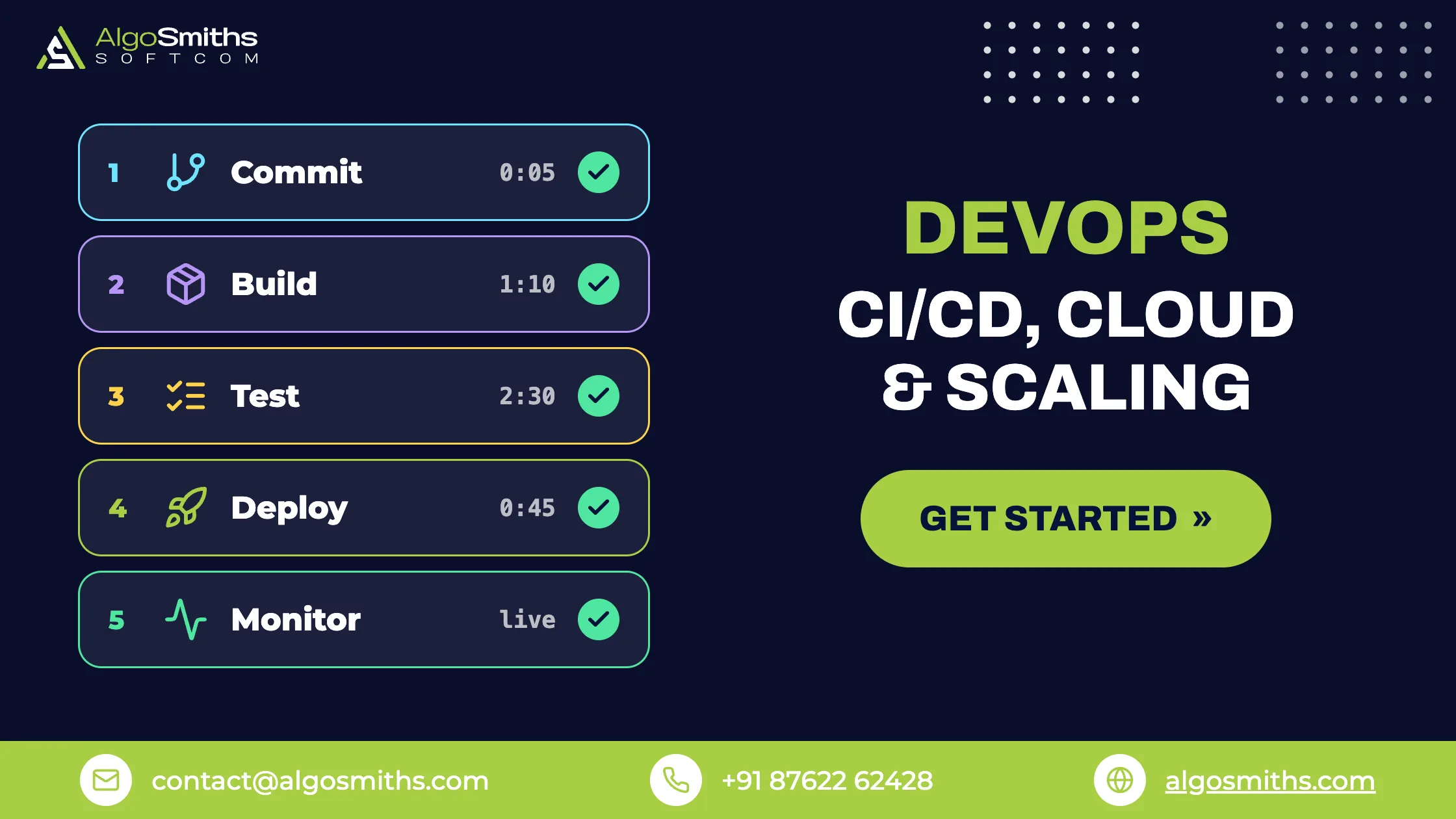
A minimal, reliable pipeline can be built in an afternoon. Here's the order that tends to work best for startups:
Step 1: Lock Down Your Branching Strategy
Keep it simple — a main branch that's always deployable, short-lived feature branches, and pull requests before anything merges. Avoid inventing a complex Git workflow before you have the team size to need one.
Step 2: Automate Testing on Every Pull Request
Every merge into main should trigger an automated test suite. This is the single highest-leverage habit you can build early — it turns "did I break anything?" from a guess into an answer.
Step 3: Wire Up Continuous Integration
Once tests are automated, connect them to a CI service so they run on every push, not just when someone remembers to run them locally.
Step 4: Automate Deployment, Not Just Builds
The last mile matters most. A green test suite that still requires someone to SSH into a server and manually restart a process isn't finished — it's half a pipeline. Automate the deploy step itself, with an easy rollback path. Keep API keys and passwords out of the repository, and read our guide to secrets management for startups before you connect the deploy step to production credentials.
- Push code to a feature branch and open a pull request
- CI runs linting and the automated test suite
- A teammate reviews and approves the pull request
- Merging to
mainautomatically triggers a staging deployment - A manual approval step (or automated checks) promotes staging to production
- Monitoring confirms the deploy is healthy, or triggers an automatic rollback
Comparing CI/CD Tools for Lean Teams
There's no universally "best" tool — the right choice depends on where your code already lives and how much configuration you want to manage.
| Tool | Best For | Learning Curve | Startup-Friendly Pricing |
|---|---|---|---|
| GitHub Actions | Teams already hosting code on GitHub | Low | Generous free tier |
| GitLab CI/CD | Teams wanting repo + pipeline in one platform | Low–Medium | Free tier, scales with usage |
| CircleCI | Complex multi-service build pipelines | Medium | Free tier, then usage-based |
| Jenkins | Teams needing full self-hosted control | High | Free, but you manage the server |
For most early-stage teams, GitHub Actions or GitLab CI/CD wins simply because there's nothing extra to host or maintain — one less system to keep alive.
Serverless, Containers, or Both? Choosing Your Cloud Infrastructure
When Serverless Makes Sense
Serverless platforms remove server management entirely and scale to zero when there's no traffic, which is ideal for early MVPs with unpredictable usage. If your stack is Python-based, we've previously covered how well Django adapts to a serverless environment, including where it fits and where it doesn't.
When You Need Containers
Once your workloads are steady, background jobs get heavier, or you need consistent environments across dev, staging, and production, Docker containers start to pay off. Orchestrators like Kubernetes add real power — but also real operational overhead, and most startups adopt it too early. A simpler managed container service is usually the better first step; Kubernetes earns its place once you have multiple services and a team large enough to own it.
Monitoring and Incident Response Without a 24/7 Ops Team
You don't need a NOC to know when things break. A lean observability stack usually covers:
- Error tracking — tools like Sentry catch exceptions before customers report them
- Uptime monitoring — a simple external check that pings your app every minute
- Centralized logs — so debugging doesn't mean SSH-ing into three different servers
- Basic dashboards — CPU, memory, response time, and error rate in one place
The goal isn't total observability on day one — it's making sure you find out about problems from a dashboard, not from an angry customer email. Our guide to observability for startups covers logs, metrics, traces and alerts in more detail.
Keeping Your Cloud Bill Startup-Sized
Cloud costs creep up quietly, usually through forgotten resources rather than genuine growth. Worth reviewing monthly:
- Right-size instances instead of defaulting to "the one that worked once"
- Set billing alerts so a cost spike is caught in hours, not at month-end
- Use autoscaling so you pay for peak traffic only when it actually happens
- Delete orphaned storage, snapshots, and staging environments nobody uses anymore
What should a startup automate first?
Start with the deploy. A manual release is the step most likely to fail under pressure, and every later practice depends on a deploy you can repeat. Add automated tests next, so each merge gets checked before it ships. Then add error tracking, an uptime check, a billing alert and a backup.
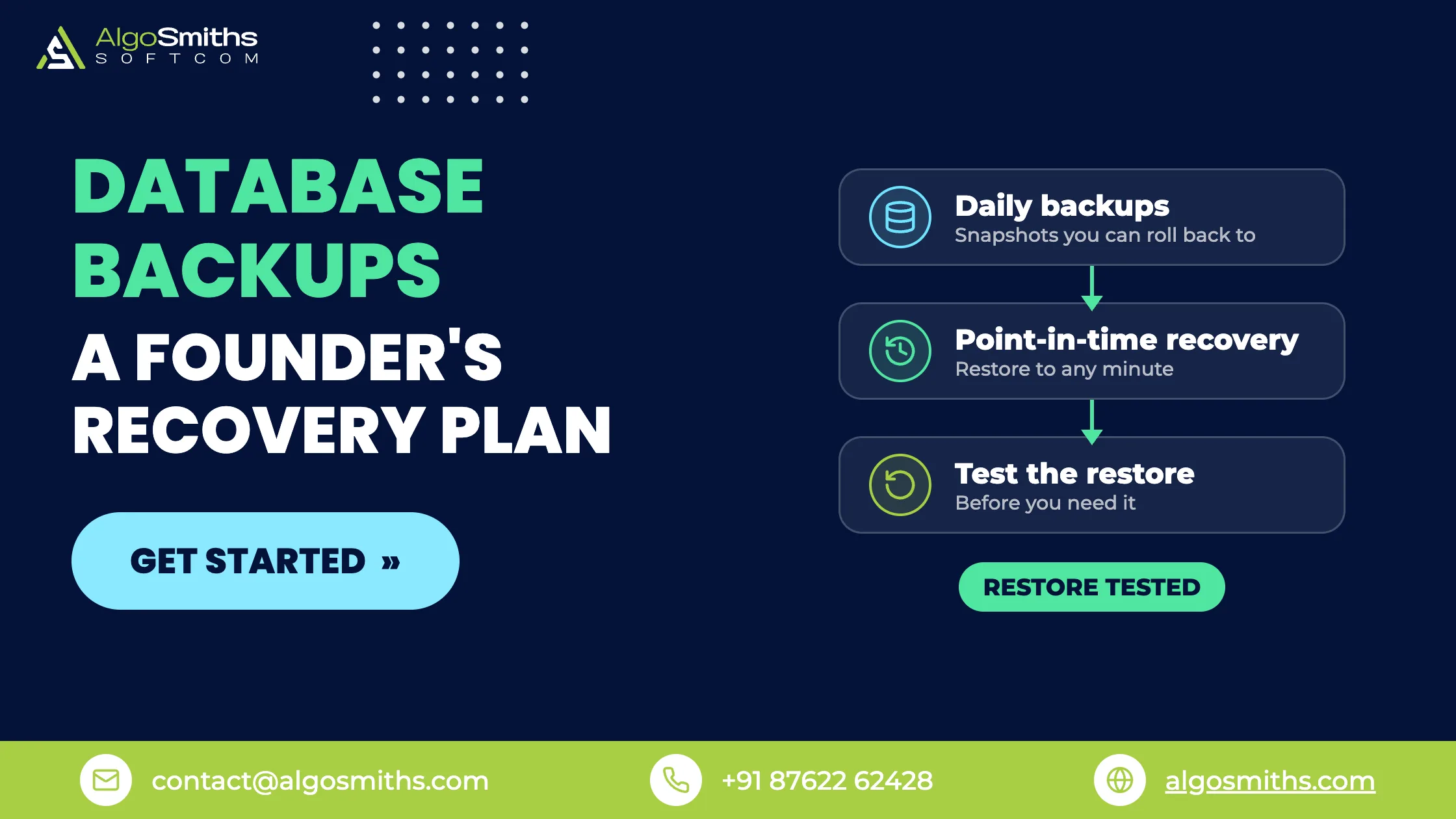
Treat a backup as untested until you have restored it once. A file that nobody has restored may fail when you need it. Our guide to database backups for startups shows how to test a restore.
Should You Hire a Dedicated DevOps Engineer?
Eventually, yes — but usually later than founders think. Most early-stage products are better served by developers who own their own deployments with good tooling, rather than a specialist hired too soon. If you're weighing this trade-off against other hiring priorities, our guide on building a capable tech team without overspending walks through how to sequence hires as you scale.
A Quick-Reference DevOps Checklist for Founders
- Automated tests run on every pull request
- Deployments are triggered by a merge, not a manual SSH session
- Rollbacks take minutes, not hours
- Error tracking and uptime monitoring are both in place
- Billing alerts are configured before costs surprise you
- Nobody is the single point of failure for shipping code
Final Thoughts
DevOps for a startup isn't about copying the infrastructure of a company ten times your size. It's about removing the friction and fear from shipping, so your team can release code as often as the product needs — without needing a dedicated platform team to do it. Start with automated testing and deployment, add observability early, and let your infrastructure grow in step with real usage, not hypothetical scale.
Frequently asked questions
Does a startup need a DevOps engineer?
No, not at the start. Developers can own deployments once CI/CD, monitoring and rollbacks are in place. Hire a dedicated engineer when release work or infrastructure incidents keep pulling developers off the product, or when one person is the only one who can ship.
What is the minimum DevOps setup for an MVP?
Keep a main branch that always deploys, run automated tests on every pull request, and let a merge trigger the deploy. Add error tracking, an uptime check, a billing alert and a backup you have restored once. That list covers the basics for an early product.
Is Kubernetes worth it for a startup?
Not for most early products. A managed container service or a serverless platform handles the same workloads with less to maintain. Kubernetes pays off when you run several services and have engineers who can own the cluster.
What is the difference between CI and CD?
Continuous integration builds and tests your code on every push. Continuous deployment ships a passing build to staging or production without a manual step. Set up CI first, because CD needs tests to tell it which builds are safe to ship.
Topic: Backend, data & architecture